You haven't signed in yet, you can have a better experience after signing in
*Please complete the payment within {{receiveCouponInfo.expire_at}}Previous use*
You haven't signed in yet, you can have a better experience after signing in


Activity Rules
1、Activity time:{{ info.groupon.start_at }} ~ {{ info.groupon.end_at }}。
1、Activity time:cease when sold out。
2、Validity period of the Group Buying:{{ info.groupon.expire_days * 24 }} hours。
3、Number of Group Buying:{{ info.groupon.need_count }}x。
Please Pay Attention
1、Teamwork process: Join/initiate a Group Buying and make a successful payment - Within the validity period, the number of team members meets the activity requirements - Group Buying succeeded!
2、If the number of participants cannot be met within the valid period, the group will fail, and the paid amount will be refunded in the original way.
3、The number of people required and the time of the event may vary among different products. Please pay attention to the rules of the event.
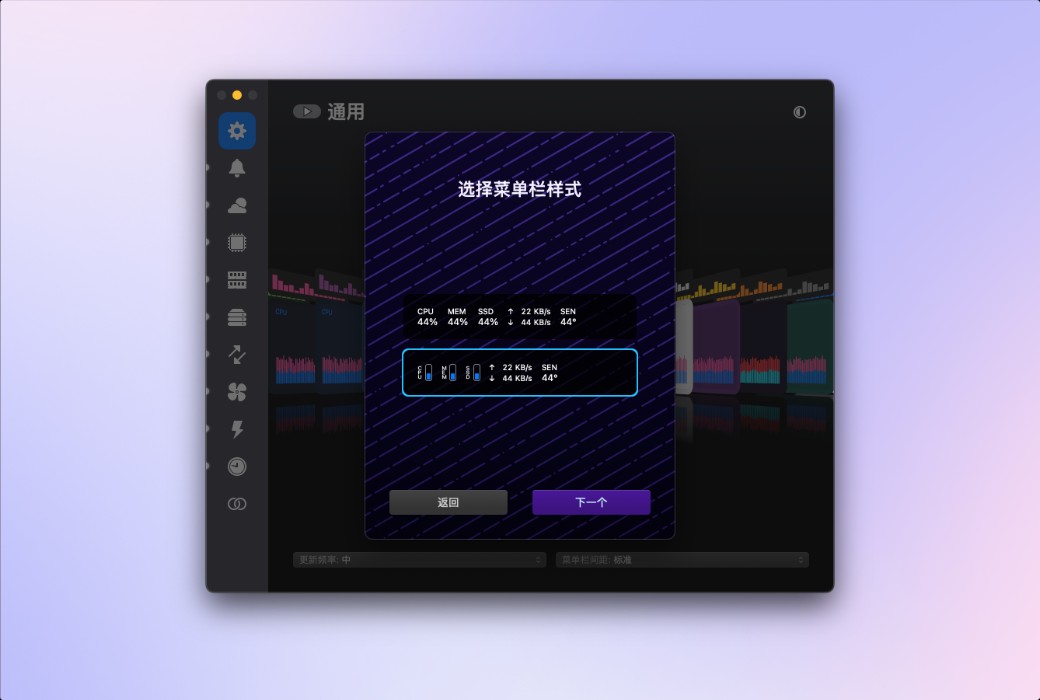
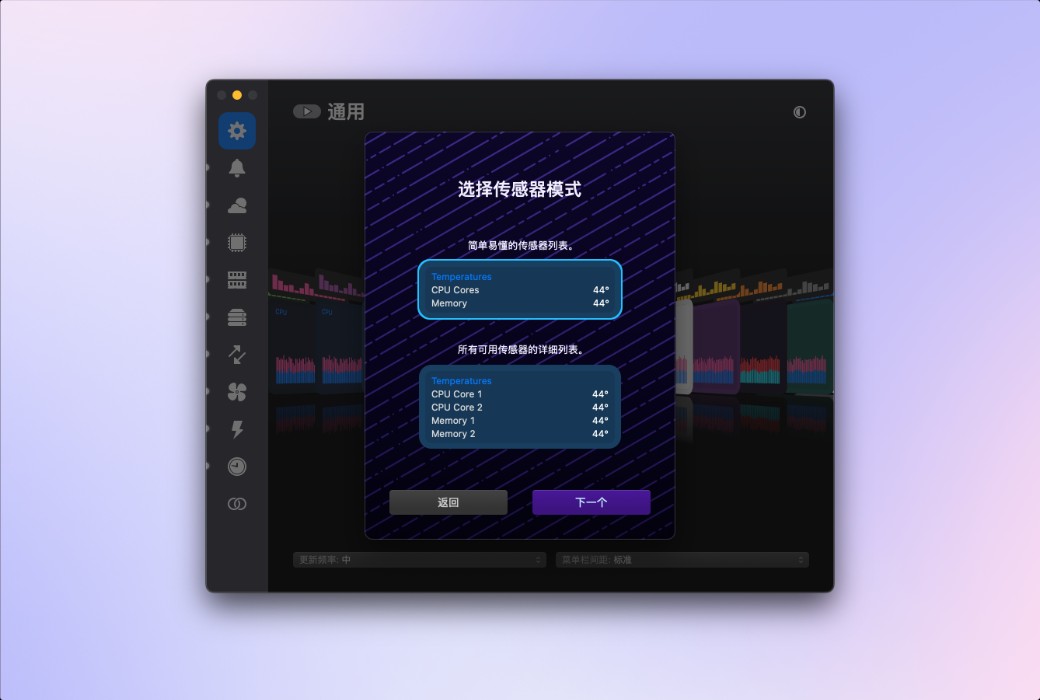
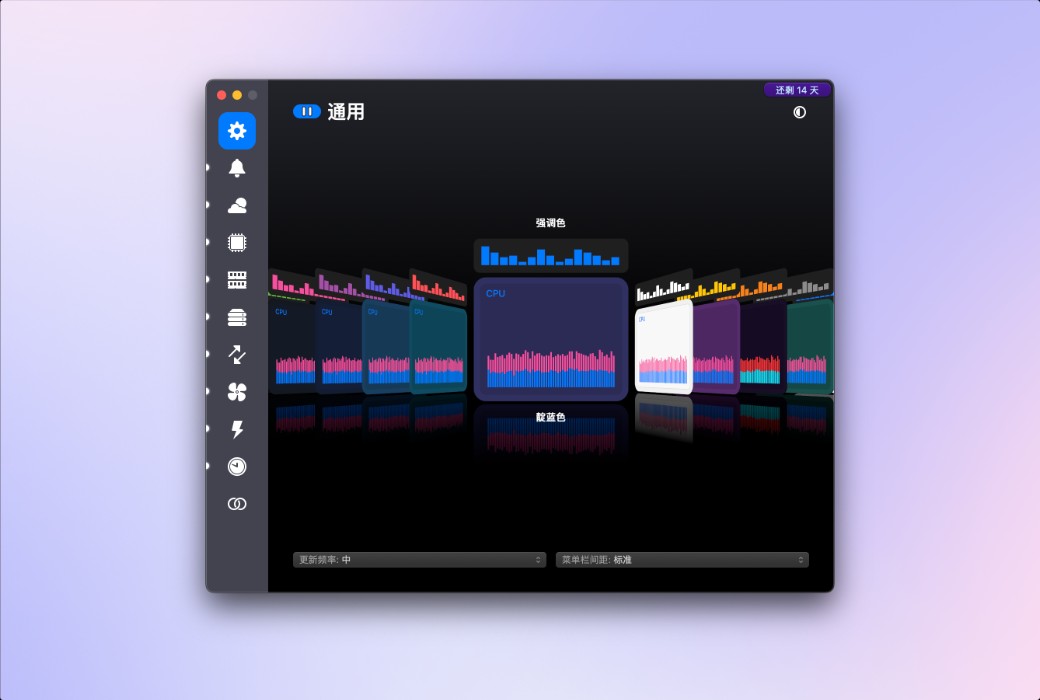
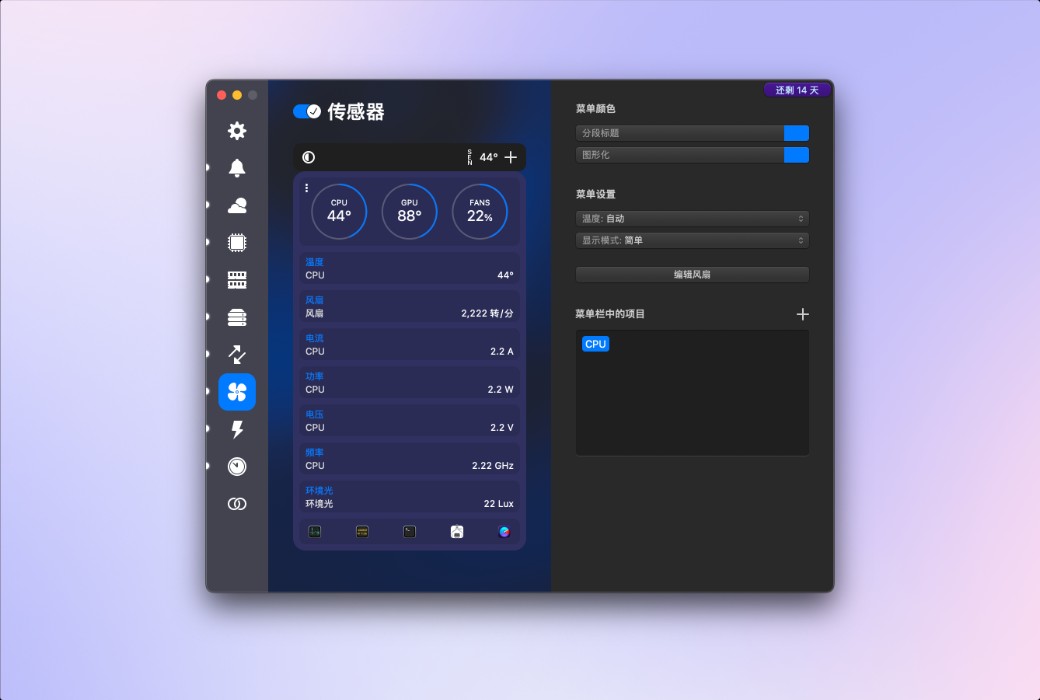
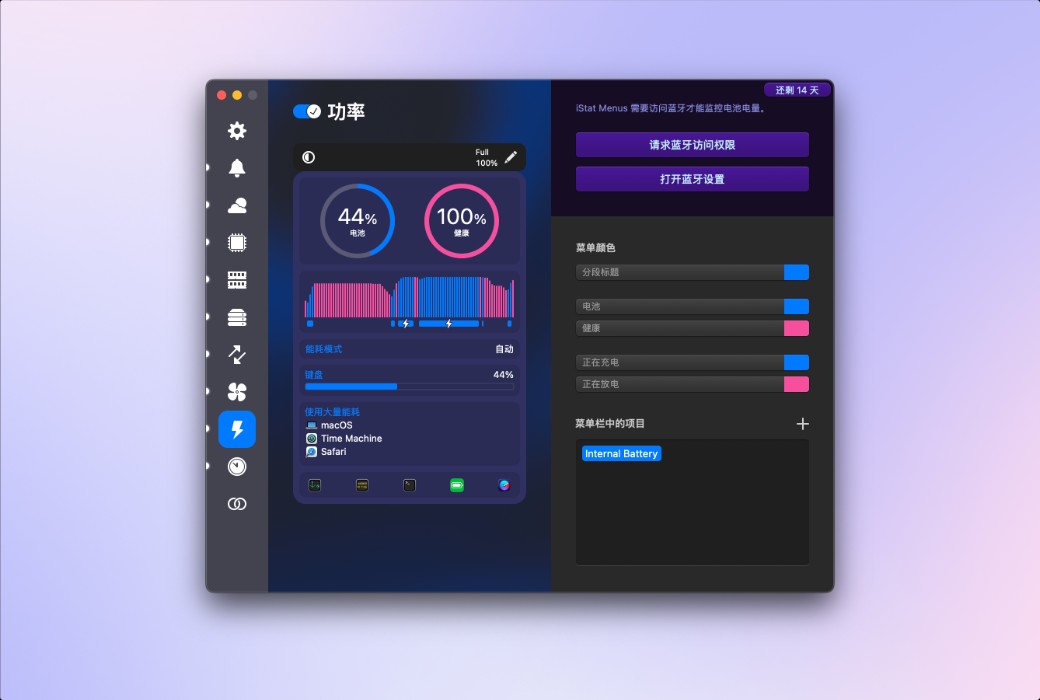
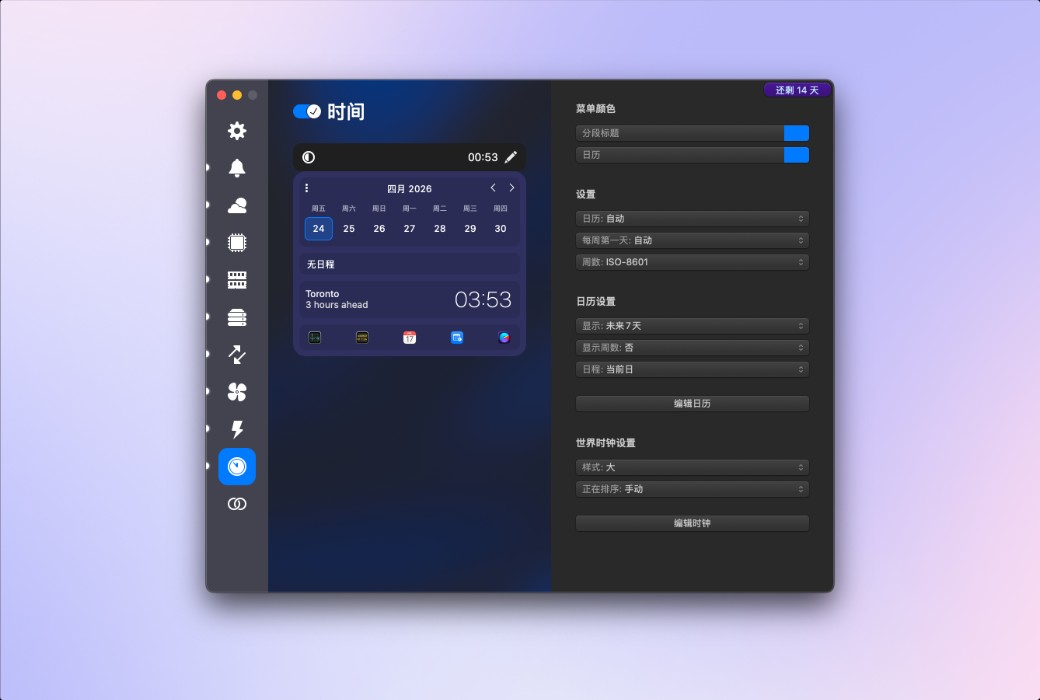
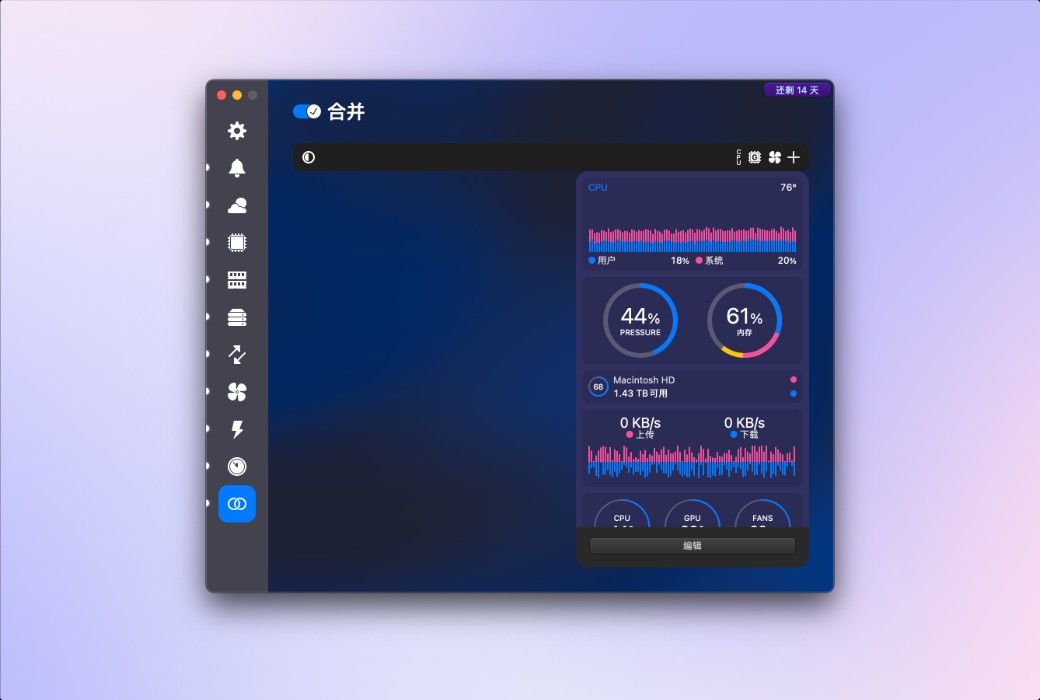
iStat Menus 7 has undergone a comprehensive upgrade, featuring a brand new design and hundreds of improvements both big and small. iStat Menus is unparalleled in efficiency, being the system monitoring application with the lowest CPU usage.
New Features:
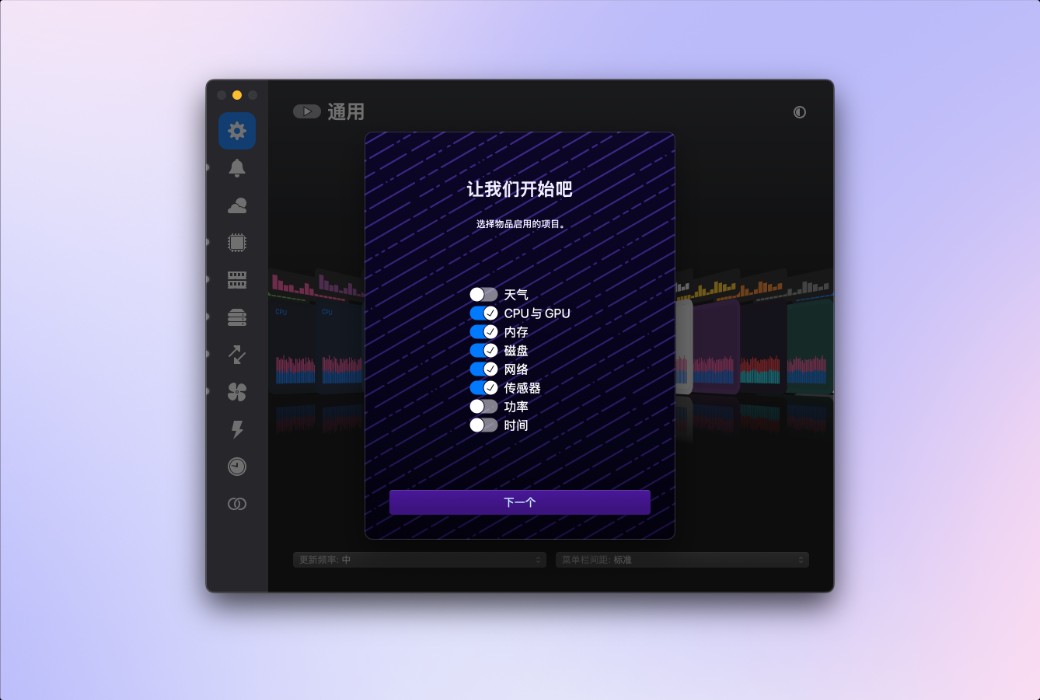
Weather
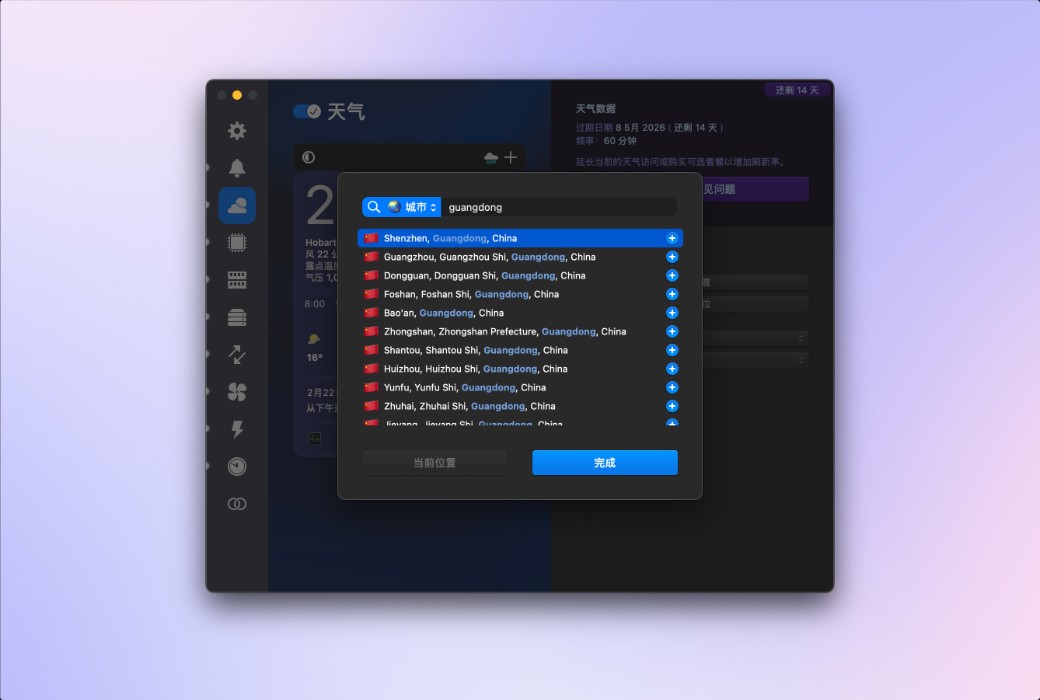
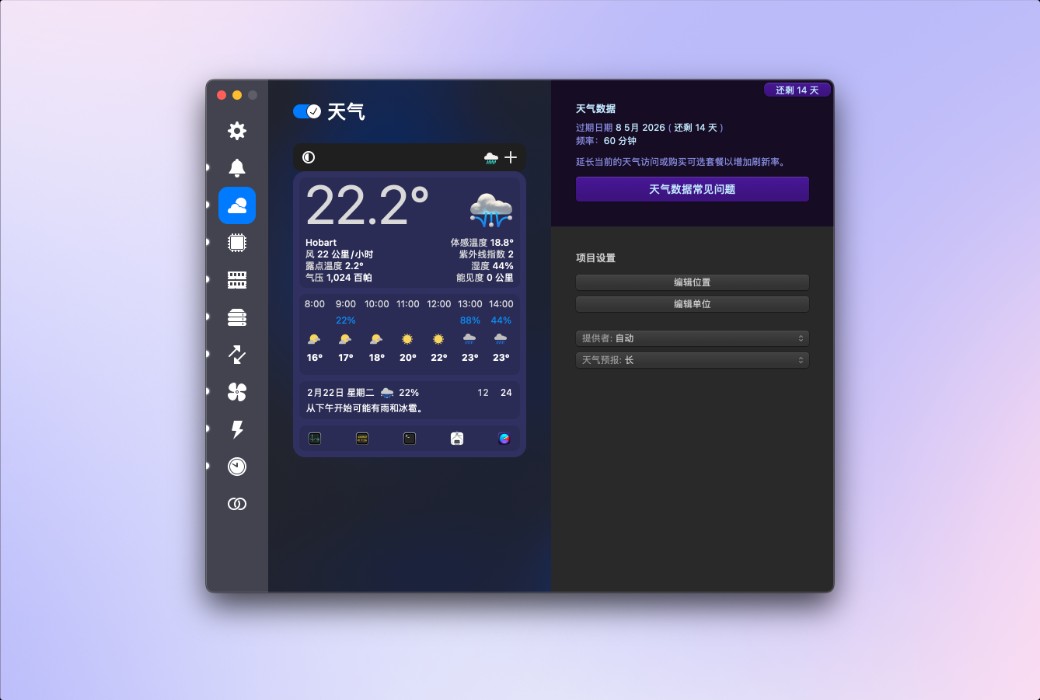
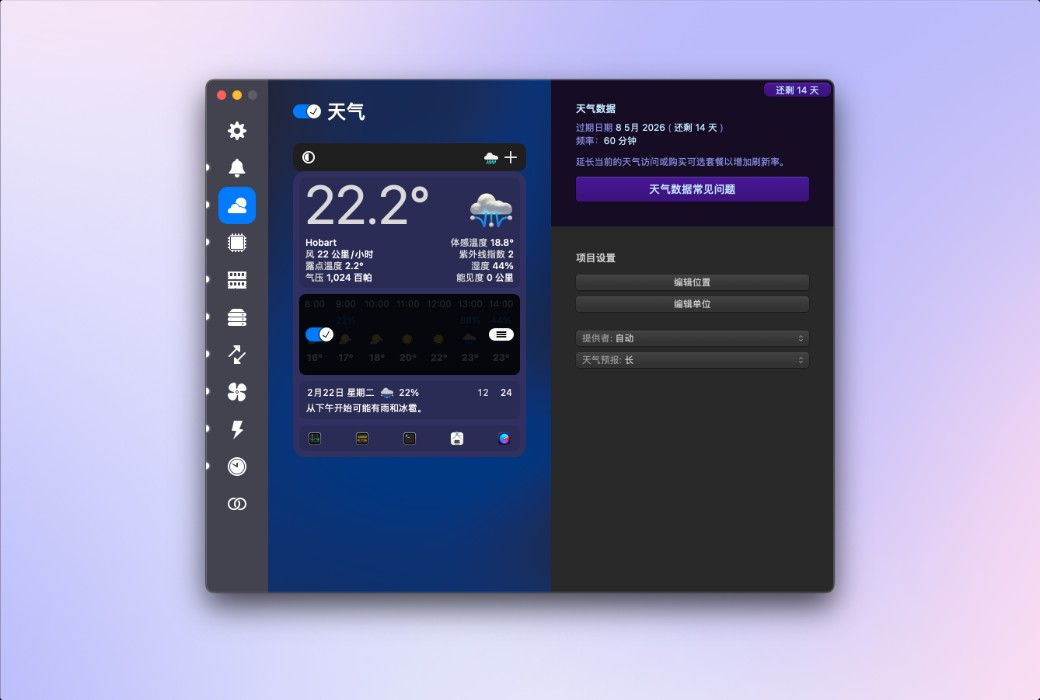
You can quickly browse the current weather conditions in the menu bar, or delve into extremely detailed hourly weather forecasts and weekly weather overviews, covering minimum and maximum temperatures, wind speed and direction, rainfall probability, humidity, dew point, UV index, air pressure, visibility, and more. iStat Menus can display weather based on your current location, or show weather for almost any region worldwide.
CPU and GPU
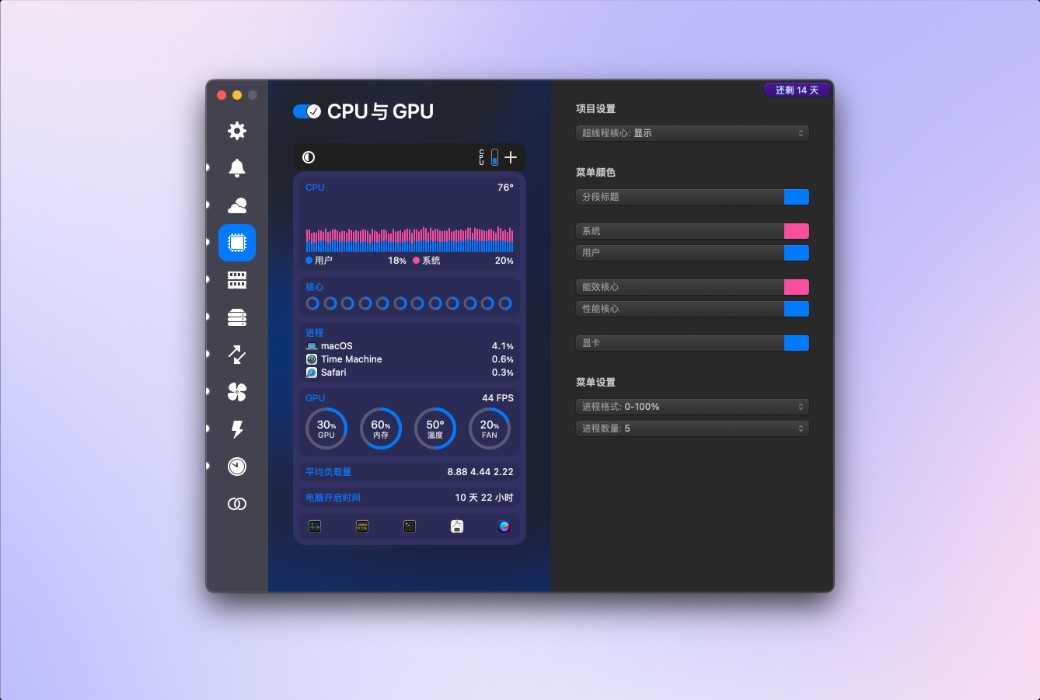
Provides highly detailed CPU information, including current usage of each core, historical charts, average load, runtime, CPU frequency, and a list of applications that consume the most CPU resources. You can set different styles for efficiency cores and performance cores according to your needs. Additionally, on supported Mac models, GPU processors, memory, temperature, and frequency are also displayed.
.Official Website:https://bjango.com/mac/istatmenus/
Download Center:https://istatmenus.apsgo.cn
Delivery Time: Automatic delivery within 24 hours
Operating Platform: macOS
Interface Language: Supports Chinese interface display, with multiple languages available.
Update Instructions: Supports minor version updates, e.g., 7.xx.
Trial Before Purchase: Free trial available before purchase.
How to Receive Your Product: After purchase, the activation information will be sent to the email address used for the order. You can also view the corresponding product activation code in your personal center, under "My Orders".
Number of Devices: Single-user license supports activation on one Mac; family license supports activation on up to five Macs simultaneously, making it suitable for families or users with multiple devices.
Changing Computers: Uninstall on the old computer and activate on the new one.
Activation Guide:https://istatmenus.apsgo.com/forum/5783/answer/5085
Special Instructions: To be added.
References:https://bjango.com/mac/istatmenus/

Any question

Some names and phrases included in the iStat menu can be found below.
The iStat menu uses standard computing terminology commonly used in macOS, Linux, and other UNIX-like systems.
CPU#System: The percentage of CPU usage by processes belonging to macOS.
User: The percentage of CPU usage by applications opened by the user.
Idle: The percentage of CPU that is unused.
Uptime: The duration since the last reboot.
Load Average: The average number of processes waiting to run in the past minute, 5 minutes, and 15 minutes. It helps assess the activity level of the system and whether it is overutilized.
The higher the number, the more processes are waiting, and if the number exceeds the number of available processor cores, there may be a performance issue.
Efficiency Core: On Apple Silicon Macs, efficiency CPU cores consume less power.
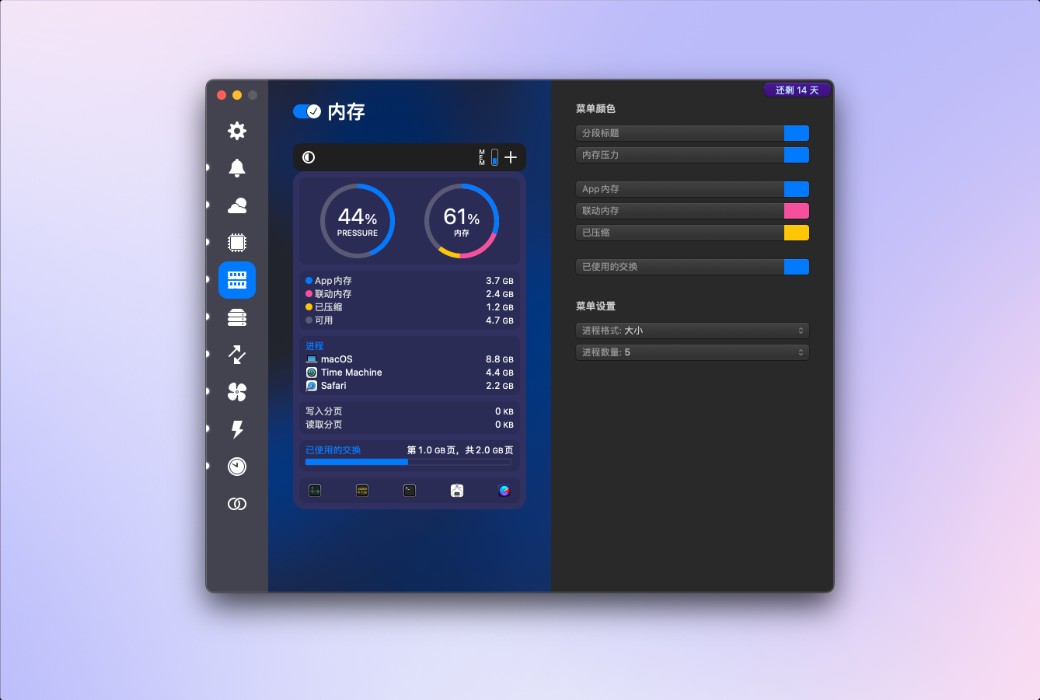
Performance Core: On Apple Silicon Macs, performance CPU cores consume more power but work faster. Memory#Applications: The memory used by applications.
Wired: Memory that cannot be moved from memory to swap.
Compressed: Memory that may be needed in the future and is currently compressed.
Free: Memory that is currently unused.
Memory Pressure: Overall memory usage efficiency, determined by available memory, swap rate, wired memory, and file cache memory. The lower the better.
Battery#Health: A comparison of the current capacity of the battery to its design capacity. The higher the better.